
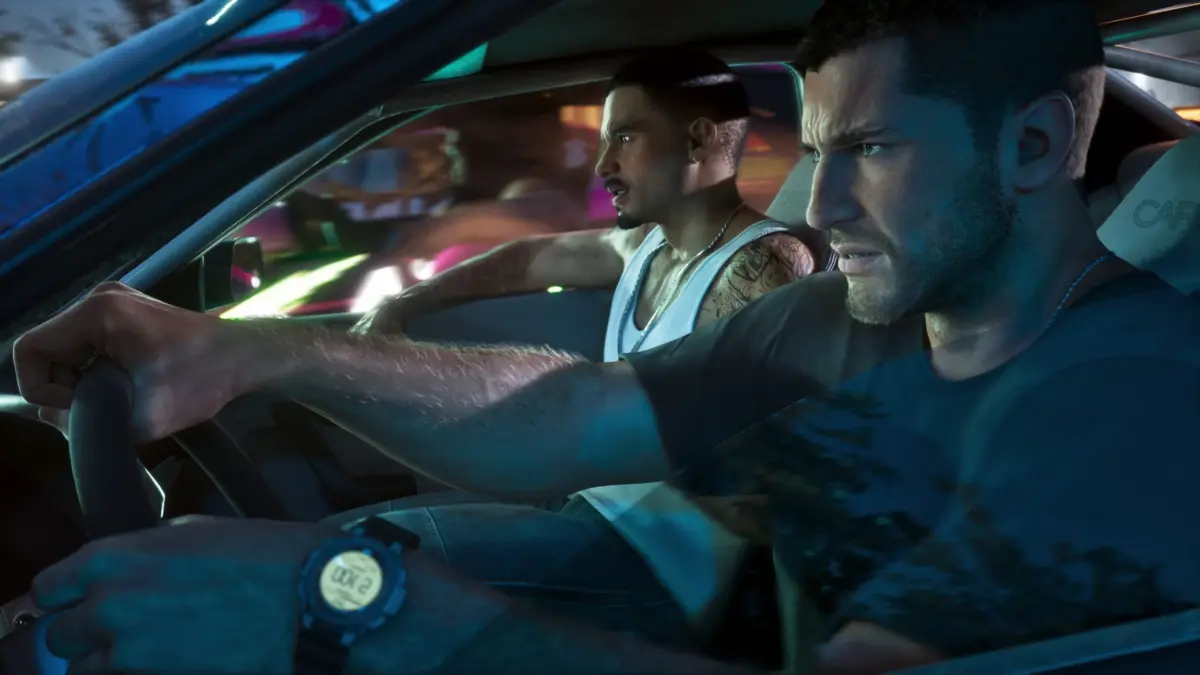
GTA 6 first-person camera options, Digimart Global: Players wondering whether Grand Theft Auto 6 includes a first-person perspective will find that, according to Insider Gaming, the game does not offer a full first-person mode that can be switched on in the usual way.
Insider Gaming reports that the closest option is to hold the left trigger (L2 or LT) and then click the right stick. This transitions the view to a first-person perspective for a closer look at surroundings, although the player cannot move around while in this mode.
The same report notes that looking at a cellphone can also be done from a first-person perspective, and that this behaviour can be changed in the settings menu.
The publisher also describes three first-person camera modes that can be scrolled through by holding down on the d-pad and switching between them. Alternatively, the camera can be adjusted centrally through the in-game settings menu by navigating to the camera section and selecting the third-person camera height.
The article notes that Rockstar has not added a full first-person mode at launch, though it suggests a future addition is not out of the question. This is the publisher’s assessment and has not been independently verified.