
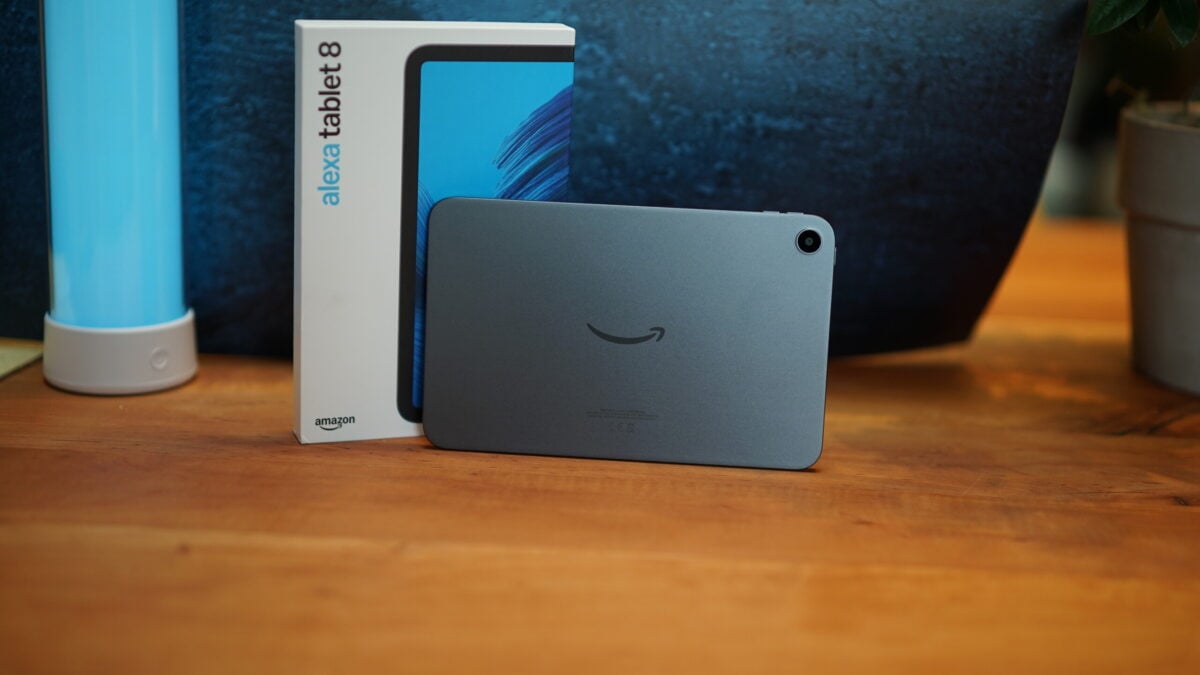
Amazon Alexa tablets with ads, Digimart Global: Amazon offers a US$20 discount on its Alexa Tablets 8 and 11 if buyers accept advertisements on the lock screen. Amazon refers to these ads as “special offers.”
According to a review published by Notebookcheck, the ads do not appear constantly. Users can preview them under the relevant menu option on the tablet, where an example is an ad for the Kindle deal of the week.
The ads appear only on the lock screen and not while the tablet is actively being used.
Buyers who find the ads intrusive can pay extra at amazon.com to purchase a version without ads. The Alexa Tablet 12 Pro has no ads.
Owners who already bought a tablet with ads can remove them by going to “Devices” in their account settings, or “Connected devices” in the app, selecting the tablet, and scrolling to “Special offers” to press the “Remove offers” button.
The removal fee is US$20, but Amazon says tax is added, so the total may be slightly higher than the price of the ad-free version chosen at purchase. The Notebookcheck review rated the Alexa Tablet 8 positively overall, praising its high-quality case while noting very low performance and somewhat short battery life.